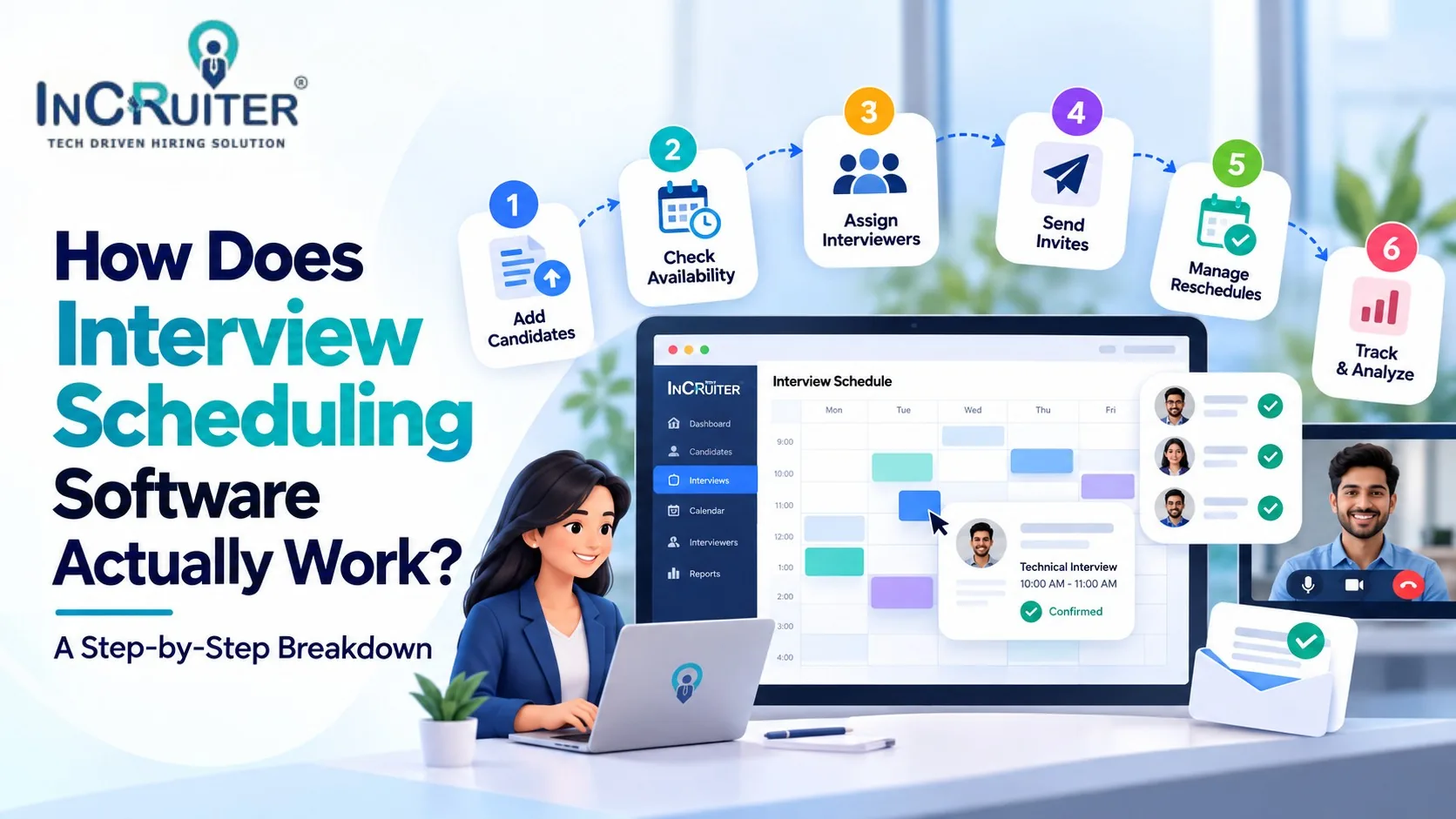
What “Automated Scheduling” Actually Means, Mechanically
“Interview scheduling software” gets described so often as a vague productivity win that it’s easy to miss what’s actually happening underneath. It isn’t one feature, it’s a sequence of smaller automated steps that used to each require a human: checking who’s free, proposing times, confirming, reminding, and re-coordinating when something changes. Understanding that sequence is the difference between picking a tool that removes the manual work and one that just moves it somewhere less visible.
A 2019/2020 industry survey by Yello, based on responses from 200 US recruiting and talent acquisition professionals, put a number on how much this manual coordination actually costs: 67% of respondents said scheduling a single interview took 30 minutes to 2 hours, and 60% said they’d lost candidates before an interview even got scheduled. Recruiters using scheduling software, by contrast, reported saving 2 to 10 hours a week. That gap exists because software replaces a specific chain of manual actions, not because of some abstract efficiency multiplier.

Step 1: Availability Gets Synced, Not Just Declared
The process starts with interviewer and recruiter calendars connecting directly to the scheduling system, typically through a bidirectional Google or Microsoft calendar sync. This isn’t a one-time import; it’s a live connection, so if an interviewer books an unrelated meeting at 2 PM, the system already knows that slot is gone before anyone tries to schedule around it. Without this live sync, “automated” scheduling still requires someone to manually check and update availability, which recreates the exact bottleneck the tool was supposed to remove.
Step 2: The Candidate Gets a Real Self-Scheduling Link
Instead of a recruiter proposing times by email, the candidate receives a link showing genuinely open slots pulled from that live calendar sync, and picks one directly. This is the step that eliminates the back-and-forth Yello’s survey respondents flagged as the single biggest scheduling challenge: finding a time that works for everyone. The candidate isn’t picking from a static list a recruiter manually updated yesterday; they’re picking from what’s actually available right now.
Step 3: The System Books It, End to End
Once a slot is chosen, the system automatically confirms the booking, sends calendar invites to every party involved, whether that’s a single interviewer or a full panel, and logs the interview in the platform’s own record. No one is manually entering this into a separate calendar or updating a spreadsheet afterward. For panel interviews, this step also has to reconcile multiple interviewers’ calendars simultaneously, which is exactly where manual scheduling used to break down once more than one or two people needed to be in the room.
Step 4: Reminders Fire on a Schedule, Not When Someone Remembers
This is the mechanism directly behind no-show reduction. Automated reminders go out at set intervals before the interview, over email, and in more advanced systems, over channels candidates are more likely to actually see, like WhatsApp messages or IVR calls. A reminder that only exists as an email is easy to miss; a system that reaches candidates through multiple channels closes more of the gap Yello’s survey pointed to, where 60% of recruiters said they’d lost candidates before the interview stage.
Step 5: Reschedules and Cancellations Route Back Into the System, Not to a Recruiter’s Inbox
This is the step that separates genuinely automated scheduling tools from ones that only automate the first booking. If a candidate needs to reschedule, a properly built system lets them pick a new slot from live availability the same way they booked the first one, and automatically updates every calendar and notification involved. If a reschedule instead means the candidate has to email a recruiter and wait, the system has only solved half the problem, the easy half.
Step 6: Data Flows Back Into the ATS Automatically
The final step is quiet but important: interview status, timing, and outcome data sync back into the applicant tracking system without manual re-entry. This is what turns scheduling into a source of hiring analytics, response rates, time-to-schedule, no-show rates, rather than just a calendar convenience.
What Happens Behind the Scenes: A Quick Reference
| **Step** | **What’s Actually Happening** | **What It Replaces** |
| Availability sync | Live, bidirectional connection to interviewer calendars | Manually checking who’s free |
| Candidate self-scheduling | Candidate books directly from real-time open slots | Email back-and-forth proposing times |
| Automated booking | System confirms and sends invites to all parties, including panels | Manual calendar entry for every participant |
| Reminders | Scheduled messages over email, WhatsApp, or IVR | Recruiters manually following up before interviews |
| Reschedule handling | Candidate self-serves a new slot from live availability | Recruiter re-coordinating from scratch by email |
| ATS sync | Interview data flows back automatically | Manual status updates in the tracking system |
What to Check Before You Assume “Automated” Means All Six Steps
a) Does Rescheduling Actually Stay Automated?
Ask specifically what happens when a candidate needs to reschedule. Some tools only automate the first booking and quietly hand rescheduling back to a recruiter’s inbox, which undercuts most of the time savings the tool is supposed to provide.
b) Is the Calendar Sync Live, or a One-Time Import?
A static import that goes stale after the first week recreates double-booking risk almost immediately. Confirm the sync updates in real time as interviewer calendars change.
c) Do Reminders Reach Candidates Somewhere They’ll Actually See Them?
An email-only reminder is easy to miss. Ask whether the platform supports additional channels like WhatsApp or automated calls, particularly for high-volume hiring where every avoidable no-show adds up.
How InCruiter’s IncFeed Runs This Full Process
IncFeed is built around this exact chain rather than just the first step. Bidirectional Google and Microsoft calendar sync keeps availability accurate in real time, candidates self-schedule from genuinely open slots, and confirmed interviews sync automatically across every participant’s calendar, including full panels. Automated reminders go out over email, WhatsApp, and IVR calls, contributing to up to a 70% reduction in candidate no-show rates. Reschedules route back through the same self-service flow instead of a recruiter’s inbox, and results sync directly into ATS platforms including Greenhouse, Workday, Bullhorn, and SAP SuccessFactors.
Curious whether your current scheduling tool actually automates the whole chain, or just the first step? Book a demo with InCruiter and see IncFeed handle scheduling, reminders, reschedules, and ATS sync in one connected flow.
Also Read
What Is An Interview Booking System?
Overcoming Challenges in Interview Scheduling with Automation
Frequently asked questions
How is interview scheduling software different from just sharing a calendar link?
A basic calendar link only solves the first step, finding an open slot. Full interview scheduling software also handles panel coordination, automated multi-channel reminders, self-service rescheduling, and syncing results back into an ATS, which a standalone booking link doesn’t do.
Does interview scheduling software work for panel interviews with multiple people?
Yes, in a properly built system. The software checks all relevant interviewers’ calendars simultaneously and only offers candidates slots where everyone involved is actually free, rather than requiring manual coordination across multiple calendars.
What actually reduces interview no-shows, the software or the reminders?
Both, but reminders are the more direct mechanism. Automated, multi-channel reminders (email, WhatsApp, IVR) close the gap where candidates simply forget or deprioritize an interview, which Yello’s 2019/2020 survey data links directly to lost candidates before the interview stage.
Can candidates reschedule an interview themselves, or does it always involve a recruiter?
It depends on the platform. Better-built systems let candidates pick a new slot from live availability the same way they booked originally, with no recruiter involvement required. Weaker systems only automate the initial booking and route reschedules back to a human.
Does scheduling software actually integrate with an existing ATS, or just sit alongside it?
In InCruiter’s case, IncFeed integrates directly with major ATS platforms, including Greenhouse, Workday, Bullhorn, and SAP SuccessFactors, so interview data updates the same system your team already tracks candidates in, rather than living in a separate tool.
Ready to Transform Your Hiring Process?
Discover how our AI-powered interview platform can streamline your recruitment and find the best candidates faster.
Make Your Hiring Process Smart and Fast